
How to Opt Out of Whitepages (2026)
Remove your Whitepages listing for free — no account, no purchase, one phone call
Updated
Whitepages has been around since 1997 and is one of the first sites that comes up when someone searches a name in the US. Its listings pull together your current and past addresses, phone numbers, age, and possible relatives from phone directories, public records, and data it licenses from other companies.
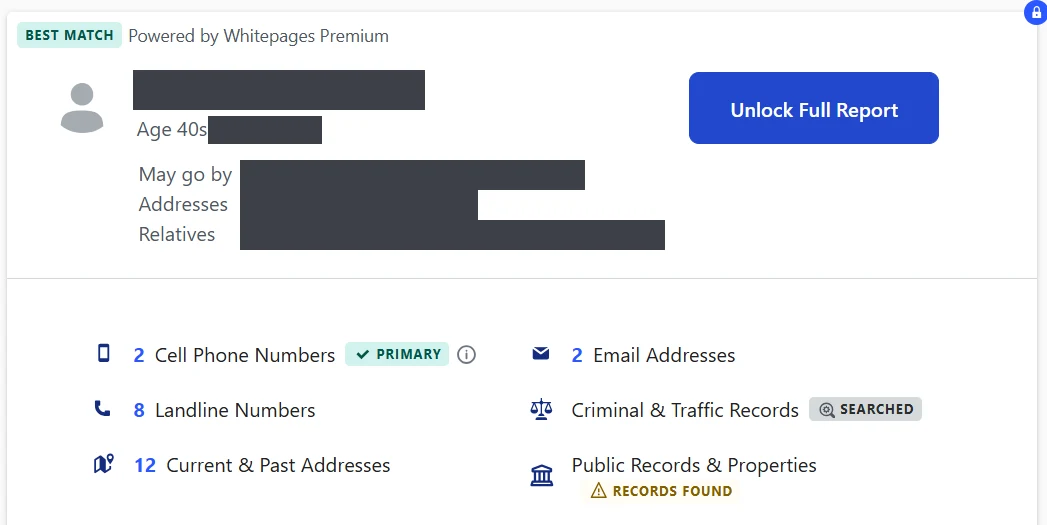
Whitepages has a free opt-out form, and it's quick — but it works differently from most people-search sites. Instead of a confirmation email, Whitepages verifies you with a phone call. Here's the whole process, plus what to do if you don't want to give it a phone number.
Whitepages Opt-Out at a Glance
Opt out ofWhitepagesHow to Remove Yourself From Whitepages, Step by Step
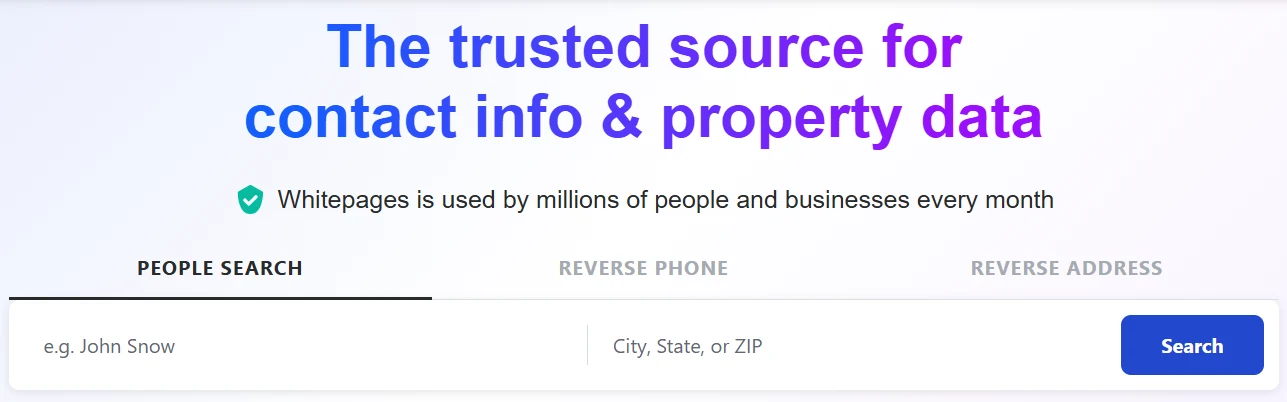
whitepages.com/name/Example-A-Person/Seattle-WA/Pbcd12345ef. You don't need to sign up or pay to see it.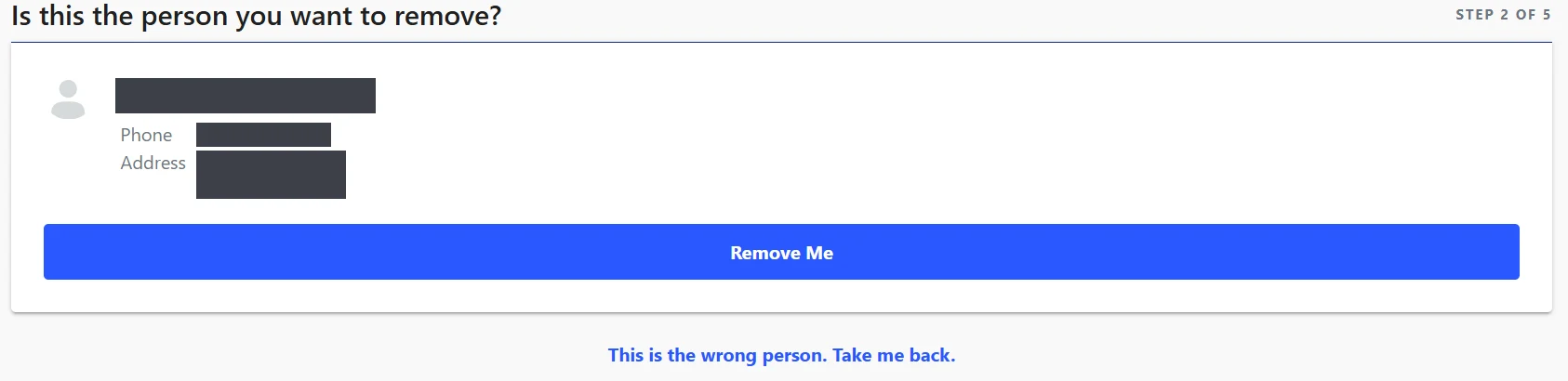
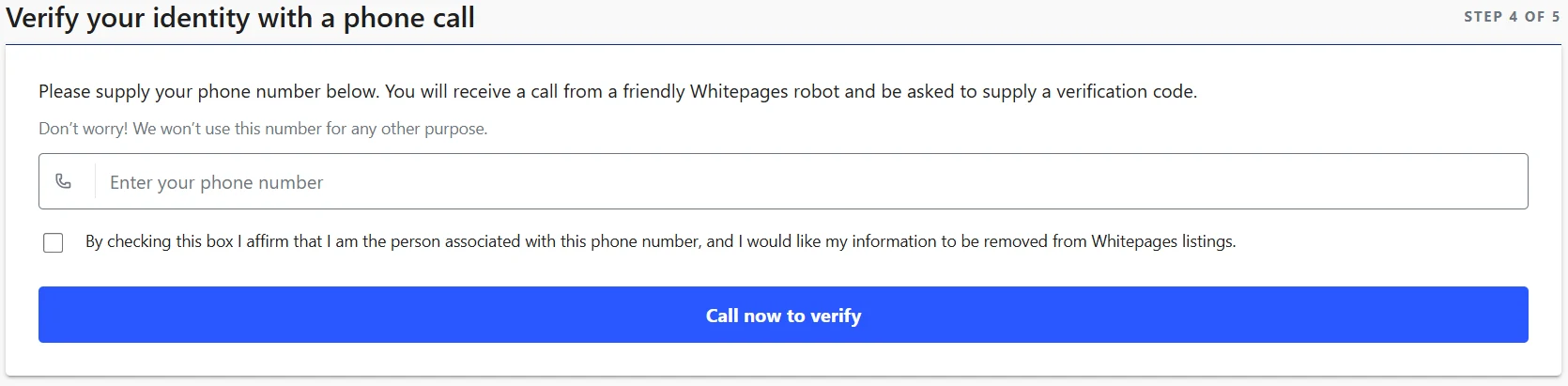
Tip: If your phone blocks unknown or spam-flagged callers, the verification call can end up in your blocked calls. Turn off call screening for a few minutes, or keep an eye on the blocked list while you wait.
Don't Want to Give Whitepages Your Phone Number?
The phone number is only used to confirm the listing is yours — Whitepages says it won't be resold or shown on the site. Still, if you'd rather not hand it over, or you don't want to agree to Whitepages' Terms of Service, its privacy notice lists two other ways to send the request:
- Online form: whitepagesprivacy.zendesk.com, handled by a customer service agent
- Email:
[email protected]
Paste the URL of your listing into the request. Whitepages says to allow up to two business days for a reply, and the agent may ask for more details to process it. Whitepages describes these options in the California section of its privacy notice; if you live in another state, you can also write to [email protected].
If You Find More Than One Listing
Whitepages says that once a listing is removed, all known connected listings are removed with it. In practice, it's worth checking for listings Whitepages didn't connect to you:
- Your name with and without a middle name or initial
- Maiden names and previous married names
- Cities and states you've lived in before
- Your phone number in Whitepages' Reverse Phone search and your address in Reverse Address
If a listing about you is still there after your opt-out went through, Whitepages asks you to contact a support agent through the online form or email above rather than starting over. Search again every three to six months — new records can create new listings.
What the Whitepages Opt-Out Doesn't Remove
- Public records. Whitepages' Terms of Use say an opt-out only hides information shown on its own services and can't remove court records, voter registration lists, or property records from where they came from.
- Other people-search sites. Whitepages can only remove data from its own services. Spokeo, BeenVerified, Intelius, and many others have their own copies — start with the Spokeo opt-out, then work through the full data broker opt-out guide.
- Search engine copies. Google and other search engines can keep showing the old Whitepages page for a while — Whitepages says up to 30 days in some cases. Once the listing is gone, you can speed things up with Google's Remove Outdated Content tool.
- Sister sites. Whitepages also runs 411.com and PeopleSearch.com (they're linked in its footer). Its opt-out covers information shown "through the Services," and its Terms list 411.com among them. Search those sites too after your removal goes through.
If Something Goes Wrong
| Problem | What to Do |
|---|---|
| "Sorry, we're not able to locate the listing associated with the URL provided" | You probably copied a search results page. Open the listing itself with View Details and copy the URL from there. It should end with an ID that starts with a capital P. |
| The field turns red and shows an example URL | The URL isn't in the format Whitepages expects. Copy the whole address again, from https:// through the 11-character ID at the end. |
| The verification call never arrives | Check your blocked or spam calls, turn off call screening, and try again. If it still fails, click Request Help on the form or use the online request form. |
| Listing still visible after 72 hours | Open Whitepages in a private window to rule out your browser's cache. If it's still there, email [email protected] with the listing URL. |
| You found yourself on Google, not on Whitepages | That's a cached copy. Give it a few weeks, or request a refresh with Google's Remove Outdated Content tool. |
Your Other Privacy Rights With Whitepages
Whitepages' privacy notice lists a few more options beyond the opt-out form:
- Find out what Whitepages has on you, or delete it. California residents can ask to know, correct, or delete the personal information Whitepages collected about them through the online form or
[email protected]. Whitepages says it can't correct data that comes from public records. - Appeal a decision. Residents of Colorado, Connecticut, Delaware, Indiana, Iowa, Kentucky, Maryland, Minnesota, Montana, Nebraska, New Hampshire, New Jersey, Oregon, Rhode Island, Tennessee, Texas, Utah, and Virginia can appeal a denied privacy request by emailing
[email protected]. - Stop ad tracking on the site. Whitepages says it honors the Global Privacy Control signal as an opt-out of targeted advertising.
- Judges and other covered persons. If you're covered by the federal Daniel Anderl Judicial Security and Privacy Act or a similar state law, submit a request through Whitepages' privacy form, choose "I would like to have my information deleted," give your state, and paste the URLs of your listing and your family members' listings. Whitepages says an agent follows up within 48 hours.
In 2025, Whitepages reports it received 36,517 requests from Californians to opt out of the sale of their information and complied with all but 12, with a median reply time of under 17 hours.
Live in California? The state's free DROP platform sends one deletion request to every registered data broker at once. Do it in addition to the Whitepages opt-out, not instead of it.
After Whitepages: Where to Opt Out Next
Whitepages is only one site. If you want your address off the first page of Google, these are the next ones to tackle:
- Spokeo — email link, 24–48 hours
- ThatsThem — one form, no verification link, typically 72 hours
- PrivateRecords — email link, up to 45 days
- InfoTracer — no verification, 24–48 hours
- Nuwber — email link, up to 48 hours
- MyLife — email code, median 5 days
- TruePeopleSearch and FastPeopleSearch — same email-link process, up to 3 days
- PeopleConnect Suppression Center — one request covers Intelius, Instant Checkmate, TruthFinder, and US Search
- BeenVerified — email link, about 24 hours
- PeopleFinders — email link, up to 3 days
- CyberBackgroundChecks — email link, up to 3 days
- FamilyTreeNow — same steps as TruePeopleSearch, up to 3 days
To see what your IP address and internet provider already reveal, run the free Data Broker Exposure Report. It's also worth checking whether your email has shown up in a data breach — breached data is another common source for people-search profiles.
Don't Want to Repeat This Every Few Months?
The free form works, but Whitepages isn't the only site, and new records can create new listings. Paid removal services check people-search sites for you and keep re-submitting opt-outs. If that's worth it to you, see the comparison of Optery, Incogni, and DeleteMe — what each one covers and what it costs.
Frequently Asked Questions
Is the Whitepages opt-out free?
How long does it take to be removed from Whitepages?
Why does Whitepages need my phone number to opt out?
Can I opt out of Whitepages without a phone number?
[email protected] for people who would rather not give a phone number or agree to the Terms of Service. Include the URL of your listing. Replies can take up to two business days, and an agent may ask for more details.